
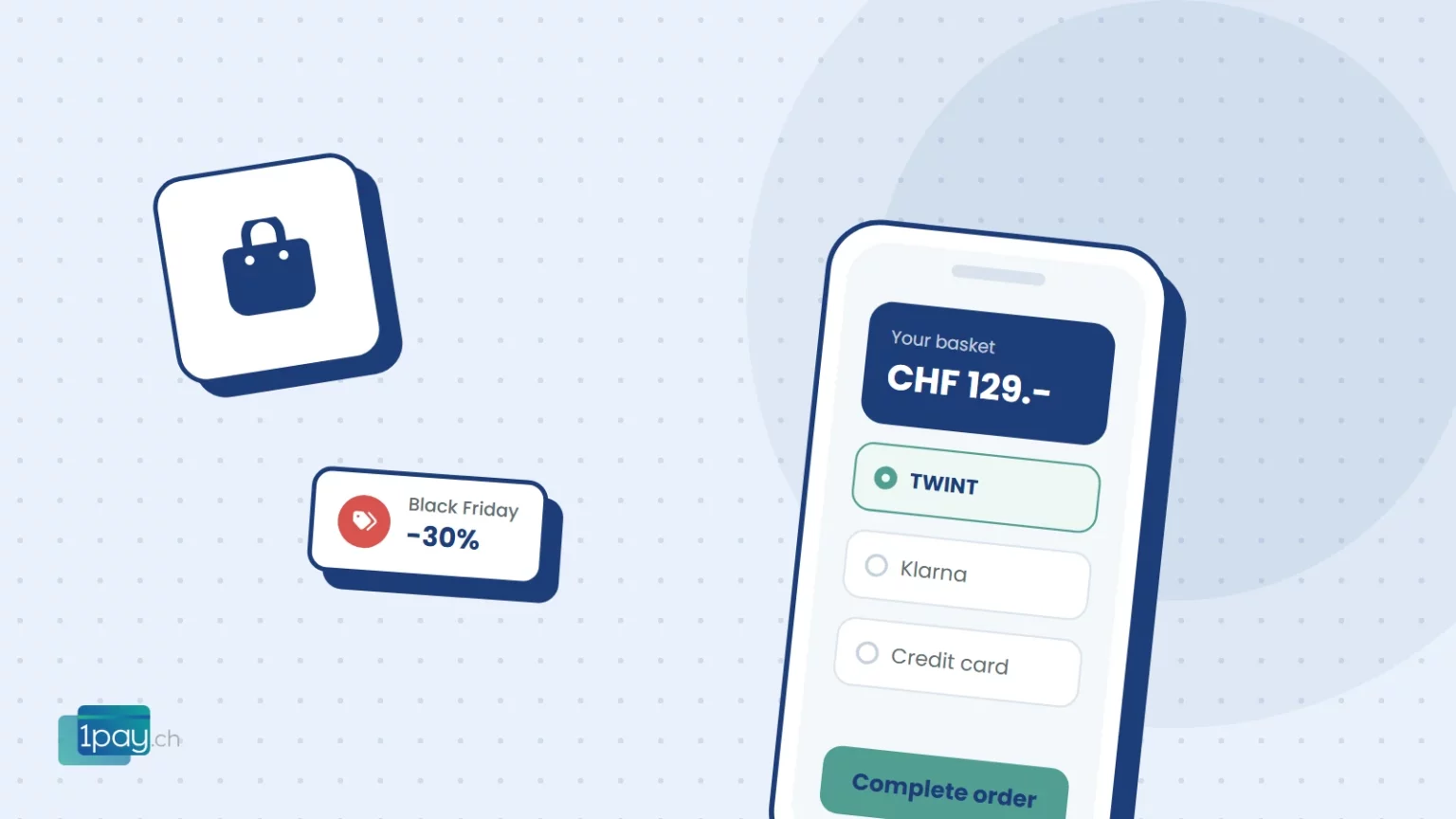
Black Friday falls on 27 November this year, and from then until Christmas many Swiss shops make a big part of their annual sales. You have prepared your offers and photos, but the place where most orders are lost is somewhere else: the checkout. Here are six checks to do now, calmly.
1. The right payment methods
Swiss customers reaching the payment step look for TWINT, card, Apple Pay or Google Pay. If they don’t find their method, they close the tab. For more expensive presents, Klarna, TWINT “pay later” or payment by invoice also help, as they let people pay after the holidays. With 1pay.ch they are available on every plan.
2. Checkout on a smartphone
Most Christmas shopping starts on a phone. Place a test order from your smartphone: how many fields do you have to fill in? How many taps does it take? TWINT and wallets save people typing in card details, and that is exactly where many give up.
3. Shipping costs, up front
Shipping costs discovered at the last step are one of the most common reasons for abandoned baskets. Show them clearly on the product page or in the basket, and if you can, set a threshold for free delivery.
4. Delivery dates for Christmas
Make the last day to order for delivery before Christmas clearly visible. It is a selling point (“order by 18 December”) and saves you dozens of emails from worried customers.
The test to do today
Place a complete order with every active payment method, even for CHF 1.-, and then make a refund. Better to find a problem now than on the night of Black Friday.
5. A clear returns policy
People buying presents want to know whether they can exchange them. A simple, clearly visible returns policy builds trust and cuts down on questions. Remember to process refunds using the same payment method the customer used.
6. Notifications and the dashboard
On peak days you need to know straight away what is happening. With 1pay.ch you get a notification for every transaction, and in the dashboard you see the full history, filter by status and amount, and export the data for your accounts.
Want us to check your checkout?
Call or message us: we will go through your payment methods and steps together before Black Friday.
Phone +41 91 857 47 37 · WhatsApp +41 79 857 47 37 · info@1pay.ch
Do you have a WooCommerce shop?
With 1pay.ch you connect all the Swiss payment methods to your checkout with a single plugin and a single contract. If you don’t have a shop yet, you can use the built-in shop or payment links to sell your Christmas products without a website.
Get your checkout ready before 27 November
Sign up free and switch on TWINT, cards and wallets in your shop. No fixed costs on the Starter plan.


