
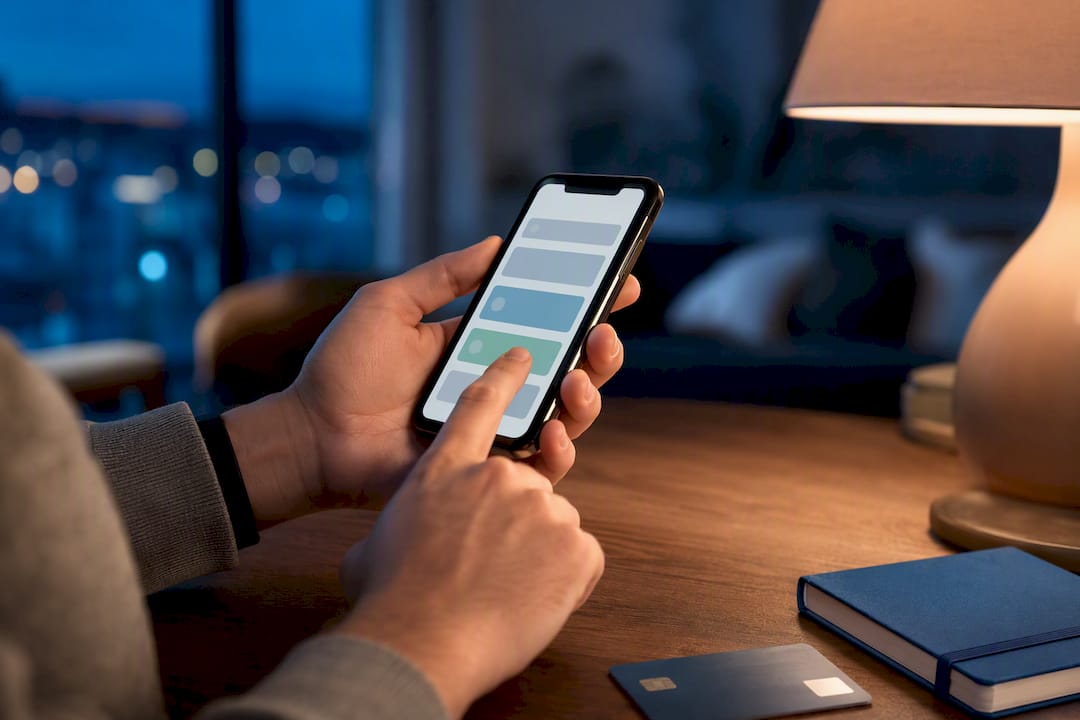
A customer wants to pay by card or TWINT and you don’t have a terminal with you. Until recently the answer was “sorry, cash only”. Today the phone in your pocket is enough. With Tap to Pay you enter the amount, the customer taps their card or scans the TWINT code on your screen, and the payment is done.
What is Tap to Pay?
Tap to Pay is an app that turns an Android smartphone with NFC into a payment terminal. The customer holds their card, smartphone or smartwatch against the back of your phone, just as they would with a regular terminal. Customers who prefer TWINT scan the QR code the app shows on screen. Either way, the payment is confirmed in a few seconds.
Don’t confuse it with Google Pay or Apple Pay: those are the wallets customers use to pay. Tap to Pay sits on your side of the counter and is for taking payments.
What you need
- An Android smartphone with an NFC chip and an up-to-date system.
- An active, verified 1pay.ch account.
- The Tap to Pay app, installed and linked to your account.
- A data connection (4G/5G or Wi-Fi).
Rooted phones are usually not accepted, for security reasons. And for now, Tap to Pay from 1pay.ch works on Android only: with an iPhone you can take payments with QR Pay, payment links or a terminal.
How to take a payment, step by step
- Open the app and enter the amount.
- The customer holds their card or phone against the back of your smartphone, or scans the QR code on your screen with the TWINT app.
- Within seconds you see the result on your phone: payment received or declined.
- The receipt can be sent by email.
The payment appears in your 1pay.ch dashboard alongside all your other takings: TWINT, payment links, invoices, online shop. One place to check everything.
TWINT with the right amount, set by you
A static TWINT QR on the counter is handy, but it leaves the amount in the customer’s hands: they type it in themselves. In the rush of a market or a busy hour, a wrong amount can slip through, by mistake or because someone is cheating, or you are shown the confirmation of an old payment. With a queue in front of you, these details are easy to miss.
With Tap to Pay you stay in control:
- you enter the amount and the app creates a TWINT QR for that exact sum;
- the customer scans the code and pays exactly what they owe, without typing anything;
- the confirmation appears on your screen, not the customer’s: if you see it, the money has arrived.
The advantage in one line
With a static QR you trust the customer’s screen. With Tap to Pay you look at your own.
Always do a test
Before your first “real” day, make a CHF 1.- test payment with your own card. That way you check NFC, app permissions and connection while no customer is waiting.
Who uses it most
- Tradespeople and technicians who get paid at the customer’s home once the job is done.
- Market stallholders with a few sales a day.
- Personal trainers, guides and teachers who work on the move.
- Associations selling tickets or merchandise at events.
- Shops that want a second till on busy days.
Want to try it with us?
Call or message us: we’ll guide you through activation and your first test payment.
Phone +41 91 857 47 37 · WhatsApp +41 79 857 47 37 · info@1pay.ch
What it costs
On every 1pay.ch plan, including the free Starter, one Tap to Pay device is included at no cost. You only pay the fee on transactions. The features are the same on every plan: a monthly fee gets you lower fees, nothing else.
One detail is worth knowing: Tap to Pay payments are charged at the in-person rates, the same as the terminal, while QR Pay is charged at the online rates. On the paid plans the in-person rates are lower, so for TWINT Tap to Pay costs less than a static QR.
TWINT fees: Tap to Pay or QR Pay
| Plan | Tap to Pay (in person) | QR Pay (online) | On CHF 50.- with Tap to Pay | On CHF 50.- with QR Pay |
|---|---|---|---|---|
| Starter | 2.9% + CHF 0.30 | 2.9% + CHF 0.30 | CHF 1.75 | CHF 1.75 |
| Small | 2.15% + CHF 0.30 | 2.5% + CHF 0.30 | CHF 1.38 | CHF 1.55 |
| Medium | 1.85% + CHF 0.25 | 2.2% + CHF 0.25 | CHF 1.18 | CHF 1.35 |
| Large | 1.55% + CHF 0.20 | 1.9% + CHF 0.20 | CHF 0.98 | CHF 1.15 |
On Starter both routes cost the same. From Small upwards, every TWINT payment you take with Tap to Pay saves you money: a little per payment, quite a lot over a year of markets and deliveries. The same in-person rates apply to cards and wallets.
Tap to Pay or a POS terminal?
Tap to Pay is ideal for modest volumes and for anyone on the move. A physical terminal (CHF 25.- a month with 1pay.ch) becomes more convenient if you take payments all day, if several staff share the same till or if you need printed receipts.
Try Tap to Pay
Sign up for free, activate the app and take your first payment with your phone. No upfront costs, no hardware to buy.


