
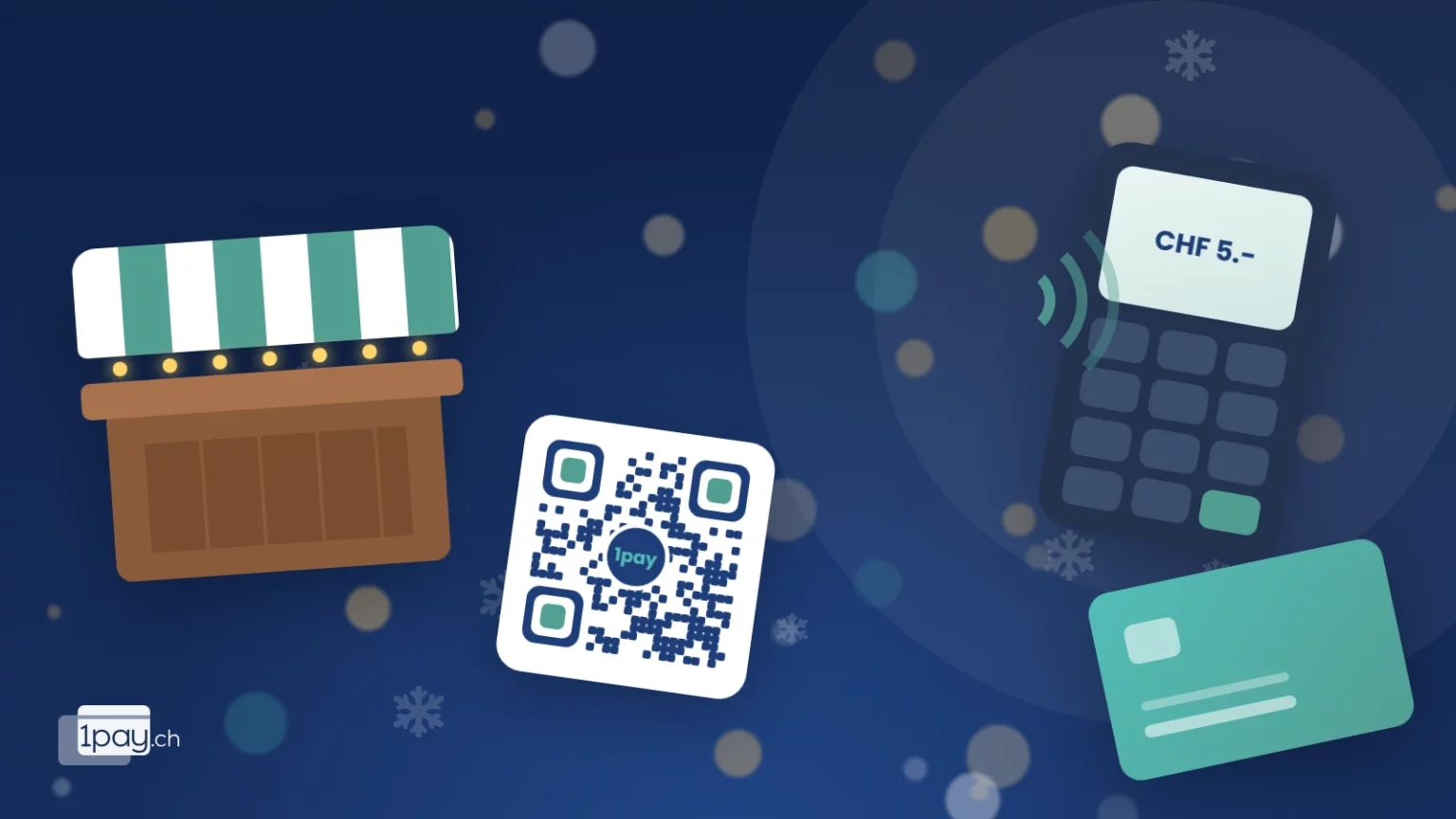
Mulled wine, biscuits, handmade candles. At a Christmas market purchases are small, quick and often impulsive. That is exactly why a customer who can’t pay the way they want doesn’t come back later: they go to the next stall. Here is how to organise payments at your stand, with TWINT, card and cash, without making life complicated.
How market visitors pay today
According to the payment methods survey of the Swiss National Bank, the debit card is the most used means of payment at Swiss points of sale. TWINT is a daily habit for millions of people. Cash is not disappearing, though: many still use it for small amounts, especially older people and families with children.
At a market this means something simple: three kinds of customers turn up at your stall.
- People who only have their phone and want to pay with TWINT.
- People who tap a card or smartphone on the terminal (contactless, Apple Pay, Google Pay).
- People who still have coins in their purse.
If you only serve one or two of them, you are giving up part of your sales. And at a market there are no second chances.
4 ways to take payments at your stall
1. QR Pay: the sign that takes payments on its own
You print a QR code and hang it on the stall. If the customer scans it with the TWINT app, they pay straight away with TWINT. If they scan it with their phone camera, a page opens with all the active methods: card, Apple Pay, Google Pay, PostFinance Pay or TWINT again. No device to charge, no cables. Perfect for fixed amounts: “Mulled wine CHF 5.-” with its own QR, “Biscuits CHF 8.-” with another.
2. Portable POS terminal
If you have a lot of customers or a different amount for every sale, the terminal is still the fastest option: the customer taps the card and it is done in two seconds. With 1pay.ch the terminal costs CHF 25.- a month, SIM included, so it also works where there is no Wi-Fi. It accepts cards, TWINT, wallets and even crypto.
3. Tap to Pay on your smartphone
Don’t want another device? With Tap to Pay your Android smartphone becomes a terminal: the customer holds the card against the back of the phone, or scans the TWINT QR that the app creates with the amount you typed in. No wrong amounts, and you see the confirmation on your screen. On every 1pay.ch plan one Tap to Pay device is free.
4. Payment links for orders
Personalised gift boxes, hampers, cakes to order: have them paid in advance, with a link by WhatsApp or email. On market day the customer just collects, with no queue and no risk of a no-show.
The 4 options compared
| Option | What you need | Fixed cost | Best for |
|---|---|---|---|
| QR Pay | A printed sheet | None | Fixed amounts, fast queues |
| POS terminal | The terminal (SIM included) | CHF 25.- a month | Lots of customers, varying amounts |
| Tap to Pay | Android smartphone with NFC | Free on one device | Few payments, no hardware |
| Payment link | Phone or computer | None | Orders and bookings before the event |
The practical tip
Combine at least two methods: a “fixed” one (QR Pay on the stall) and an “active” one (terminal or Tap to Pay). If one slows down at the busiest moment, the other keeps the till open.
What digital payments really cost
Everyone asks, and the answer depends on how much you sell.
With the 1pay.ch Starter plan there is no monthly fee: just a fee when you actually get paid (2.9% + CHF 0.30 per transaction). On a CHF 5.- mulled wine you keep CHF 4.55. If you do two or three markets a year, it is often the most sensible choice: no fixed costs in the months when you are not selling.
If you do markets all year round, the plans with a monthly fee lower the transaction fees. Remember one important thing, though: the features are identical on every plan, only the fees change. You don’t pay more to get TWINT, the terminal or QR codes.
And cash? It has a cost too, you just don’t see it: the float to prepare, the change to give, the money to count at the end of the evening and take to the bank.
The checklist for the day before
- Charge the terminal and your phone, and bring a power bank.
- Make a CHF 1.- test payment to check everything works.
- Print the QR codes large and laminate them (December rain is unforgiving).
- Prepare a clearly visible sign: “Pay here with TWINT, card or cash”.
- Keep a small cash float anyway for people paying in cash.
Want to prepare your stall with us?
Call or message us: in a few minutes we will tell you which combination suits you.
Phone +41 91 857 47 37 · WhatsApp +41 79 857 47 37 · info@1pay.ch
What if there is no signal?
At crowded markets mobile data can slow down. A terminal with a built-in SIM helps, but it is always worth having a plan B: a printed QR code (the customer pays using their own connection) and cash. With three methods available you are never stuck.
For associations: the market is also a fundraiser
If you run the stall for a sports club, a choir or a parents’ group, you can put a QR code for donations next to your sales. People who don’t buy anything are often happy to leave a few francs for the cause, if it only takes a moment. We cover this in detail in the article on QR codes for donations.
Ready for the Christmas market?
Sign up free in 5 minutes, no credit card needed. If you would like a hand preparing your stall, we are here to help.


