
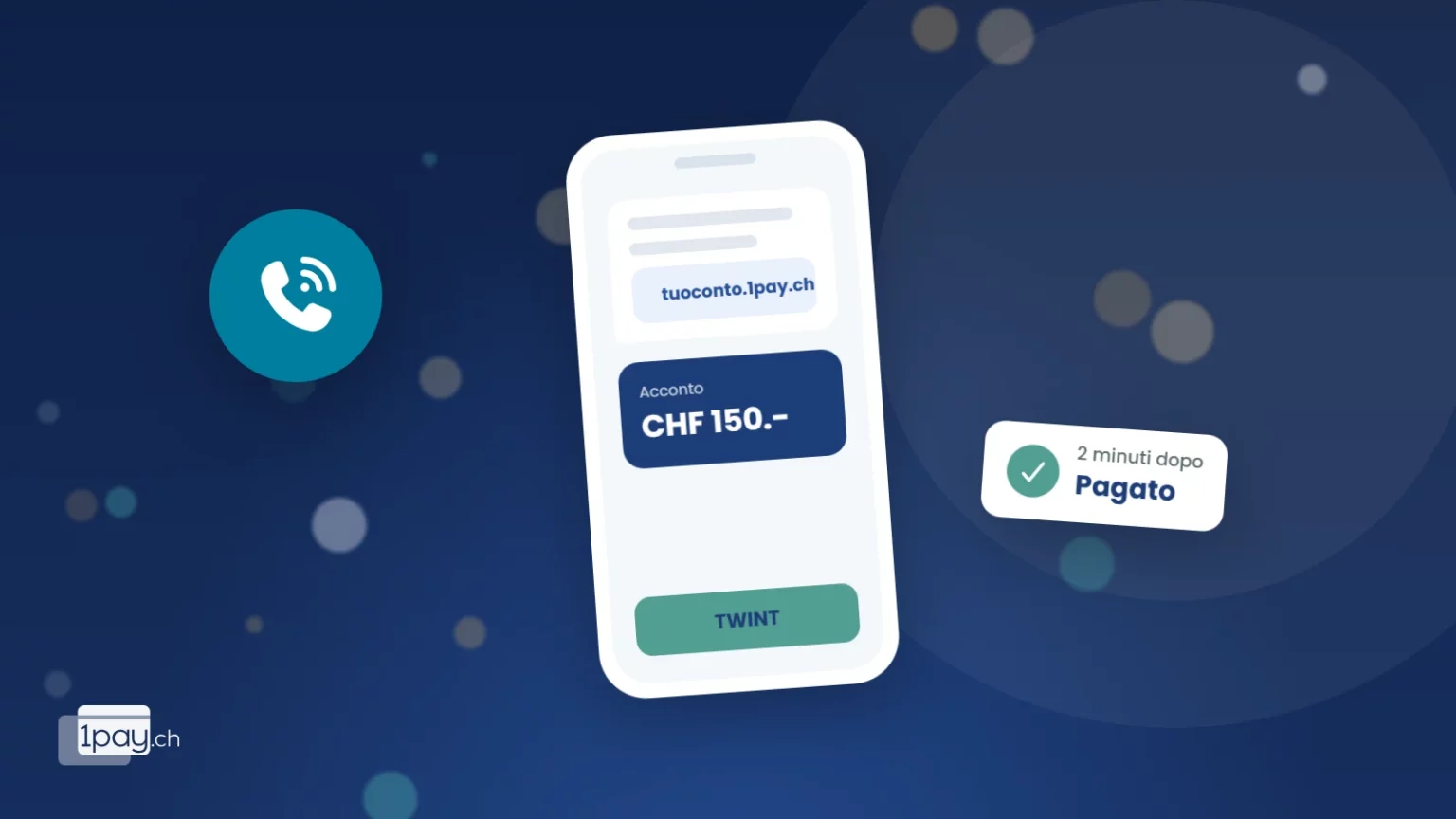
A customer calls to book a boiler service, a table for ten or a trial lesson. On the phone you ask for a deposit and they say: “Sure, how do I pay?” If the answer is an IBAN you dictate letter by letter, the deposit arrives in a week. If it’s an SMS with a link, it arrives in a minute.
When an SMS link makes sense
- Phone bookings: deposits for tables, rooms, courses, rentals, home services.
- Jobs at the customer’s home: a quote accepted over the phone, with a deposit before you order the materials.
- Balance after delivery: the courier or technician has finished and the customer pays from their own phone.
- Customers who don’t use email: many people read an SMS within minutes and an email days later.
How to create it in a minute
With 1pay.ch you have two options, neither of which needs any coding.
Paylink, for a specific request. In the dashboard, open Paylink, enter what the customer is paying for (“Boiler service deposit”), the amount and the currency, then create the request. Instead of sending it by email, you copy the link and paste it into the SMS. You can attach a quote as a PDF and set an expiry date.
The Terminal, for a link that’s always ready. It’s a payment page with a fixed address, such as `youraccount.1pay.ch/en/vpos`. The customer opens it, enters the amount and pays. If you add the amount and description to the address, you send a pre-filled link: the customer checks it and confirms.
Either way, the customer chooses from the payment methods you’ve activated: TWINT, cards, Apple Pay, Google Pay, PostFinance Pay. You see the payment in the dashboard as soon as it’s made, and you can get an email too if you like.
A deposit without an immediate charge
For a rental or a room you can choose pre-authorisation: the amount is blocked on the customer’s card and you only collect it once the service is confirmed.
What to write in the SMS
An SMS asking for money with a link unfortunately looks a lot like a scam message. Yours needs to be recognisable at first glance.
- Who you are: your business name at the start, the way the customer knows it.
- Why: the specific reason, linked to the call you’ve just had.
- How much: the exact amount.
- The link: just one, with your 1pay.ch address.
- No fake urgency: never “within an hour or you lose your booking”.
Example:
“Keller Plumbing: as agreed on the phone, here’s the link for the CHF 150.- deposit for Thursday the 20th’s service: [link]. Pay by TWINT or card. Thanks!”
That’s about 150 characters, so it fits in a single SMS. Plain letters and digits are no problem, but emojis and some symbols halve the space available and the message gets split into several parts.
Your customer will trust you more if…
…you tell them on the phone that the SMS is on its way, and if the payment page shows your logo. You set the logo and colours once in the Look & Feel profile in the dashboard.
Rules to follow
- Only text people who asked for it. A payment link after a booking is part of the service. The same number must not be used for advertising without consent.
- Protect the data. The customer’s phone number is for that booking: don’t share it, and delete it once you no longer need it.
- No card details by SMS. The customer pays on the secure page, and you never see their card number.
From SMS to payment: what to check
- Run a test with your own phone and a small amount before using it with customers.
- Check that the link opens without an app and that the page shows your name.
- After sending, look at the dashboard: the payment appears with the description you wrote.
- If nothing has arrived after a day, a second call is worth more than a second SMS.
From your phone, too, when the customer is in front of you
If the customer is right there with you, you don’t need a link: with Tap to Pay your Android phone accepts cards, wallets and TWINT, and with QR Pay the customer scans a code and pays. The SMS link is the tool for every other case, when the customer is somewhere else.
Frequently asked questions
Does the SMS link work with TWINT too?
Yes. The customer taps the link, chooses TWINT and confirms in the app, on the same phone.
How much does it cost?
The link is included in all plans, including Starter with no monthly fee. You only pay the fee on the payment you receive. You send the SMS yourself from your phone, at the cost of your own mobile plan.
Can the link expire?
Not by default. If you want it to be valid only until a certain date, for a booking for example, you set the expiry date when you create it.
Can I send the same link to several customers?
For an amount that’s the same for everyone, like a course registration, yes. For bookings, one link per customer is better: you see straight away who has paid.
Do you get a lot of bookings by phone?
Call or message us: in a few minutes we’ll show you how to set up the link and the SMS text. We’ll reply personally.
Phone +41 91 857 47 37 · WhatsApp +41 79 857 47 37 · info@1pay.ch
Sources
OFCOM, SMS and MMS that cost more. Features as described in the 1pay.ch documentation (Paylink and Terminal), November 2026.
Your first payment link in a minute
Sign up for free, with no monthly fee on the Starter plan. The link works with TWINT, cards and wallets.


