
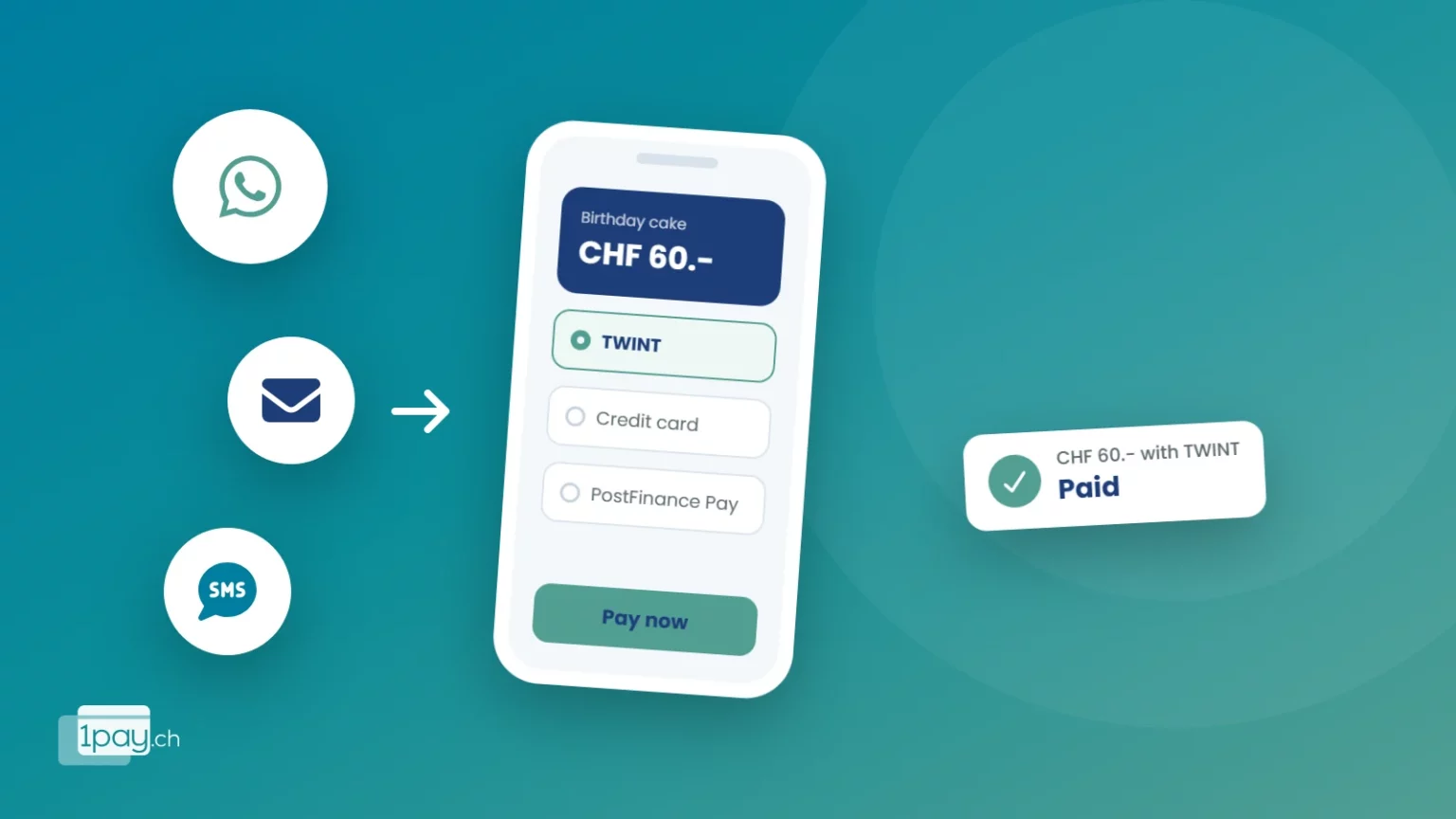
“Shall I send you my IBAN?” “Will you pay on delivery?” “Shall we do a bank transfer?” If you sell on Instagram, on WhatsApp or over the phone, you know these conversations well, and you know how many of them go nowhere. With a payment link, customers pay while they’re still keen, in a few seconds.
What is a payment link?
A payment link is a web address you create from your account that leads to a secure payment page with the amount already set. You send it however you like: WhatsApp, text message, email, a direct message on social media. The customer opens it, chooses the method (TWINT, card, Apple Pay, Google Pay, PostFinance Pay) and pays. You’re notified straight away.
When to use it
- Sales on social media: the customer asks “how much is it?” and you reply with the price and the link.
- Made-to-order work: cakes, gift hampers, furniture, craftwork. Take a deposit before you start.
- Bookings: courses, lessons, sessions, guided tours. No more places blocked by people who don’t turn up.
- Accepted quotes: the customer says yes, you send the link and collect the deposit straight away.
- Phone sales: you send the link during the call. For larger amounts, you’ll find tips in Remote card payments.
The deposit trick
For custom orders, ask for a deposit with a payment link. The customer is more committed, you don’t work for nothing, and you collect the balance on delivery the same way.
Why it works better than a bank transfer
With a bank transfer the customer has to open their e-banking, copy the IBAN and type the reference. Many say “I’ll do it this evening” and then forget, and you end up chasing them. With a link it takes two taps, and TWINT is on the phones of millions of people in Switzerland.
There’s an advantage for you too: you see in real time who has paid. No more going through bank statements line by line to work out who’s still missing.
Bank transfer or payment link
| Bank transfer with IBAN | Payment link | |
|---|---|---|
| Steps for the customer | 5-6 (e-banking, IBAN, reference) | 2-3 taps |
| Methods | Bank transfer only | TWINT, cards, wallets, PostFinance Pay |
| When you see it | Days later, on your statement | Straight away, with a notification |
| Who has paid? | Check by hand | Visible in the admin area |
Do you need a registered business?
No. With 1pay.ch individuals and activities that are not in the commercial register can sign up too (who can use 1pay.ch). You just complete the verification with the details requested, which usually takes up to one working day.
And when sales grow?
A payment link is perfect for getting started. When you have more products, you can use the same account to create an online shop with shop pages or connect your WooCommerce website, without changing provider or contract.
Want to try it with your next customer?
Call or message us: we’ll create your first link together and you can test it straight away.
Phone +41 91 857 47 37 · WhatsApp +41 79 857 47 37 · info@1pay.ch
How much it costs
With the Starter plan there’s no monthly fee: you pay 2.9% + CHF 0.30 only on sales you’re paid for. On a CHF 60.- sale you keep CHF 57.96. If you sell regularly, the plans with a monthly fee lower the fees; the features stay the same.
Send your first link today
Sign up for free, create a link and send it to your next customer. No website needed, no fixed costs.


