
The client is on the phone, has just said yes to your quote and asks: “How do I pay you?” If the answer is “I’ll send you my IBAN”, the payment arrives in a week, maybe. If it is “read me your card number”, you are taking a risk you don’t need. There is a third way, faster and safer.
Rule number one: you don’t want to know the card number
Many freelancers, to do the client a favour, have card details read out over the phone or sent by email. It is a bad idea for both of you. The number stays written on a piece of paper or in an inbox, and if something goes wrong, the responsibility is yours.
With a remote payment done properly, the client enters their details on a secure payment page, from their own phone or computer. You only see the result: paid, with name, amount and method.
Watch out for scams
The Federal Office for Cybersecurity warns about scams in which someone poses as a client or a bank to get codes and payments confirmed. Never confirm a code received by SMS because a caller asks you to, and be wary of “urgent orders” with odd delivery details. Its weekly reports are a good reminder.
Three tools, three situations
With a 1pay.ch account you have three ways to get paid remotely. They are included on every plan, including the free one.
1. The payment link: for a service already agreed
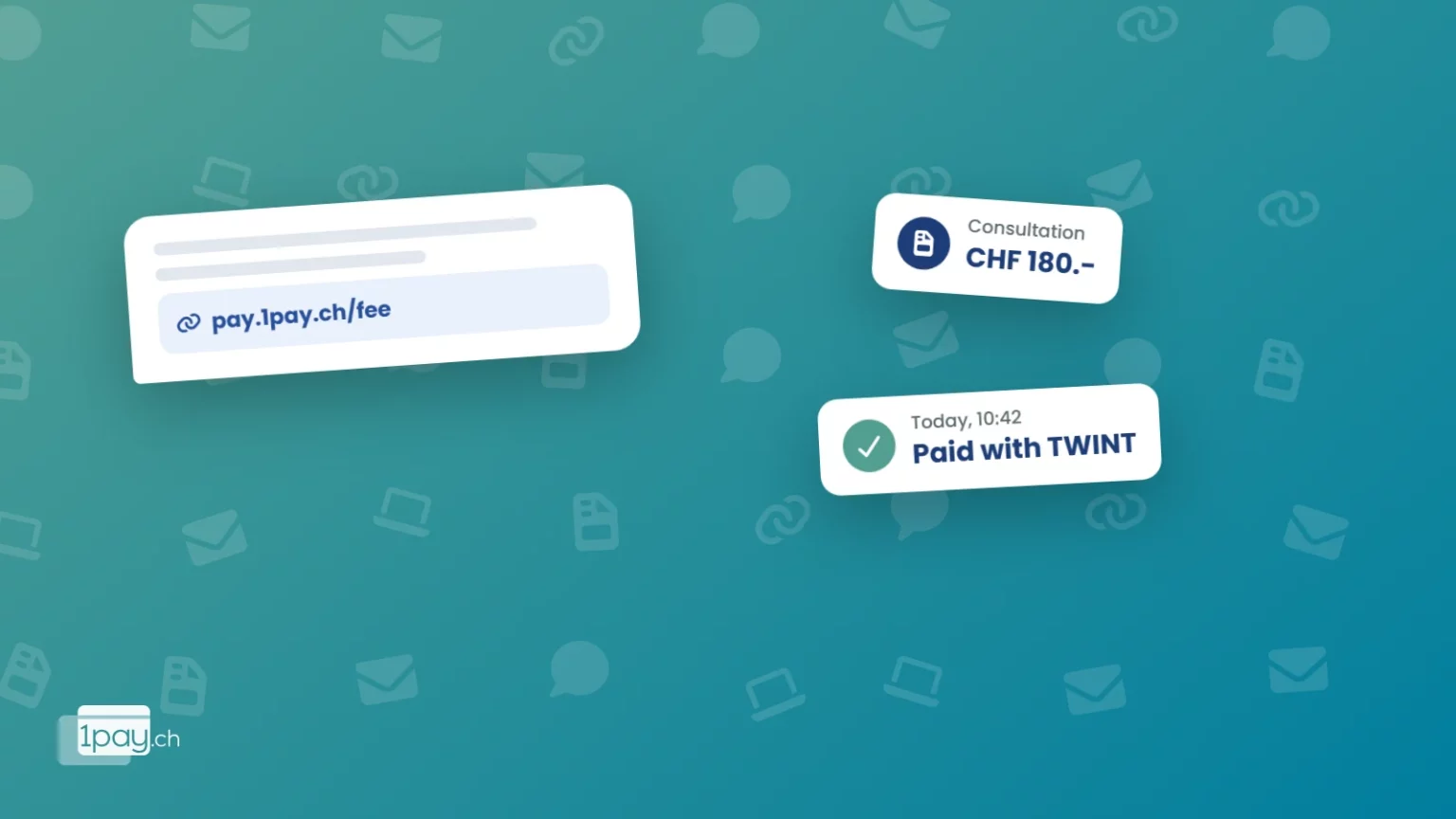
You create a payment link with an amount and a description (“Consultation on 14 November, 2 hours”) and send it by WhatsApp, SMS or email. The client pays with TWINT, card, Apple Pay, Google Pay or PostFinance Pay in a few seconds.
It is the right tool for deposits on a quote, sessions already booked, courses and reservations.
2. The virtual terminal: for an amount that changes every time
The virtual terminal is a payment page of your own, with your logo and colours. You open it on your phone or computer, or send it to the client, who enters the amount and the details you ask for: just the amount, or also name, address and acceptance of your terms.
You can also prepare a link with the details already filled in, for example amount and order number: the client opens the page and finds everything ready. Handy for phone orders and for anyone who works at clients’ homes.
Which tool to use
| Situation | Tool | Why |
|---|---|---|
| Deposit on an accepted quote | Payment link | Fixed amount, the client pays straight away while convinced |
| Phone order to be delivered | Virtual terminal with a pre-filled link | Amount and order number already entered |
| Work at the client’s home | Virtual terminal on your phone | The client pays from their phone, no terminal needed |
| Fees at the end of the month | Digital invoice | The client pays online with the method they prefer |
| Booking to secure | Pre-authorisation | You reserve the amount and only charge it if needed |
3. The digital invoice: for those who invoice at the end of the job
If you work on assignments and invoice at the end of the month, 1pay.ch invoices can be paid online with TWINT or card, as well as by the usual e-banking transfer. The client doesn’t have to copy an IBAN: they open the invoice and pay in one click.
Pre-authorisation: a guarantee for bookings
Then there is an option few people know about: pre-authorisation. You reserve an amount on the client’s card without charging it. If the client turns up, you charge it or release it. If they don’t, and your terms allow it, you keep the cancellation fee.
It is useful for sessions, rentals, long consultations and any job where a last-minute no-show costs you half a day.
What it costs
On the Starter plan there is no monthly fee: 2.9% + CHF 0.30 is deducted from online payments. On a CHF 450.- fee the charge is CHF 13.35 and you keep CHF 436.65.
If you regularly take larger sums, the plans with a monthly fee bring the rate down to 1.9% + CHF 0.20. The features stay identical on every plan: only the fees change. The plan comparison tells you from what amount it pays to switch.
Four habits that get you paid sooner
- Send the link while you are still on the phone. The best moment to get paid is right after the yes.
- Say in the description what they are paying for. “30% deposit for website” avoids questions and disputes.
- Ask for a deposit on long jobs. The client is more committed and you don’t work for nothing.
- Put your terms in writing. Payment terms, cancellation fees, refunds: one line in the quote is worth more than an argument later.
Want to try it with your next client?
Call or message us: we will create your first link or your virtual terminal together and you can test it straight away.
Phone +41 91 857 47 37 · WhatsApp +41 79 857 47 37 · info@1pay.ch
Get paid remotely from today
Sign up free, with no credit card and no monthly fee on the Starter plan. Verification usually takes one working day.


